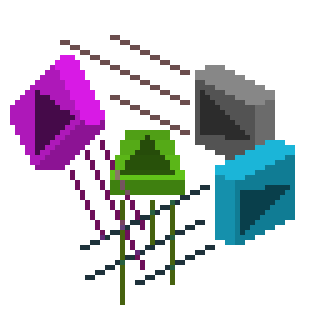
Sequential Parallax for Aseprite
A downloadable Partallaxis for Windows, macOS, and Linux
Partallaxis is a different parallax extension for Aseprite that was made to test your creativity.
This extension came into existence to meet a need for a more customizable parallax and animation effect. An idea that originally meant sliding differing layers along an axis in a single direction, now lets you move in any direction you could possibly want. Anything from circling, square movements, jagged lines or the classic parallax style. You can use complex functions to calculate movements and then input them directly into the Aseprite software with no external tools.
---------------------------------------------------------------------------------------
 Characteristics:
Sequential commands that let you explore new techniques.
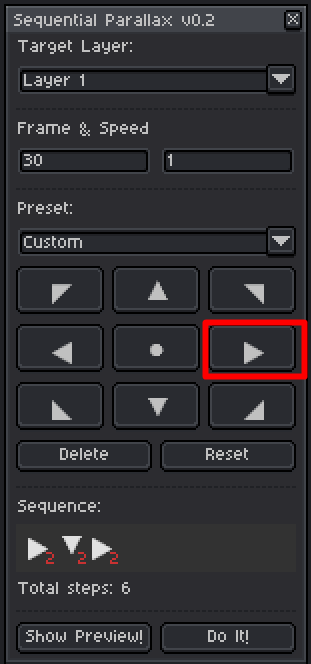
Easy to use arrow command buttons to input the direction of movement.
Fine-tune the speed and movements with ease with the delete and reset buttons.
Works for 2D, 3D and any other artstyle.
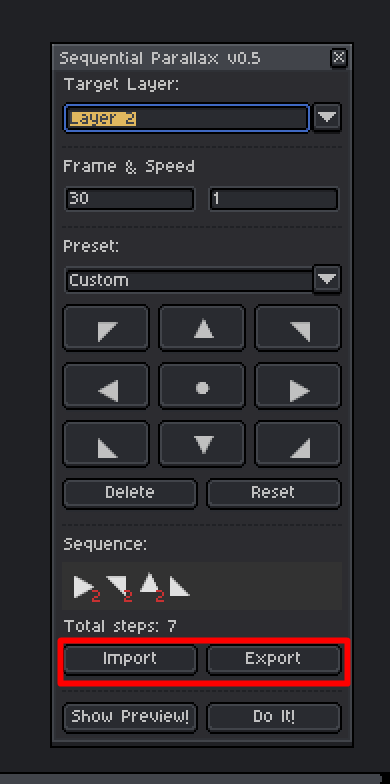
Import and export options available for customized commands that you can share.
Ease of access selection tool lets you add parallax to anything you select.
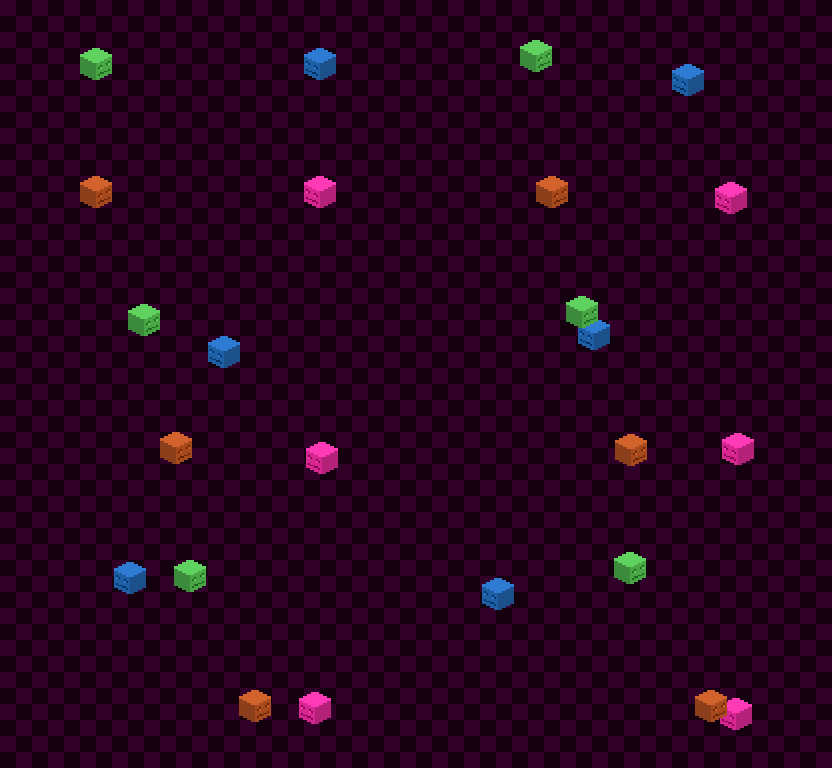
Auto-generate custom directions for multiple layers at once.
Select specific cels to add parallax to, make your animations come to life.
Lets you create custom movements that normal parallax tools fail to achieve.

 How to Use:
1. Install the Partallaxis plugin, drag and drop the extension into Aseprite, open Edit menu, select preferences from the dropdown, in the pop-up select extensions, select Partallaxis and press apply.
2. Open Edit menu, select FX from the dropdown, select Partallaxis plugin.
3. Select a layer (or selected portion of a layer with the selection tool) to add a parallax effect to, decide on the number of animation frames you want the animation to be.
4. Choose a speed you want the selection to move at.
5. Select a preset or choose custom to edit the animation yourself (if you chose a custom preset also choose a size for the preset).
6. Start clicking the arrows to determine the direction you want the selection to move in (center selection is a pause). If you need to edit the directions use the delete and reset buttons (Delete will remove the last key pressed.), (Reset will wipe the entire command box).
7. Press show preview to see whether it moves how you want.
8. Press "Do It!" button and enjoy creating!
Purchase
In order to download this Partallaxis you must purchase it at or above the minimum price of $5 USD. You will get access to the following files:
Development log
- Partallaxis - A Strong Aseprite Parallax ToolFeb 08, 2026

Leave a comment
Log in with itch.io to leave a comment.